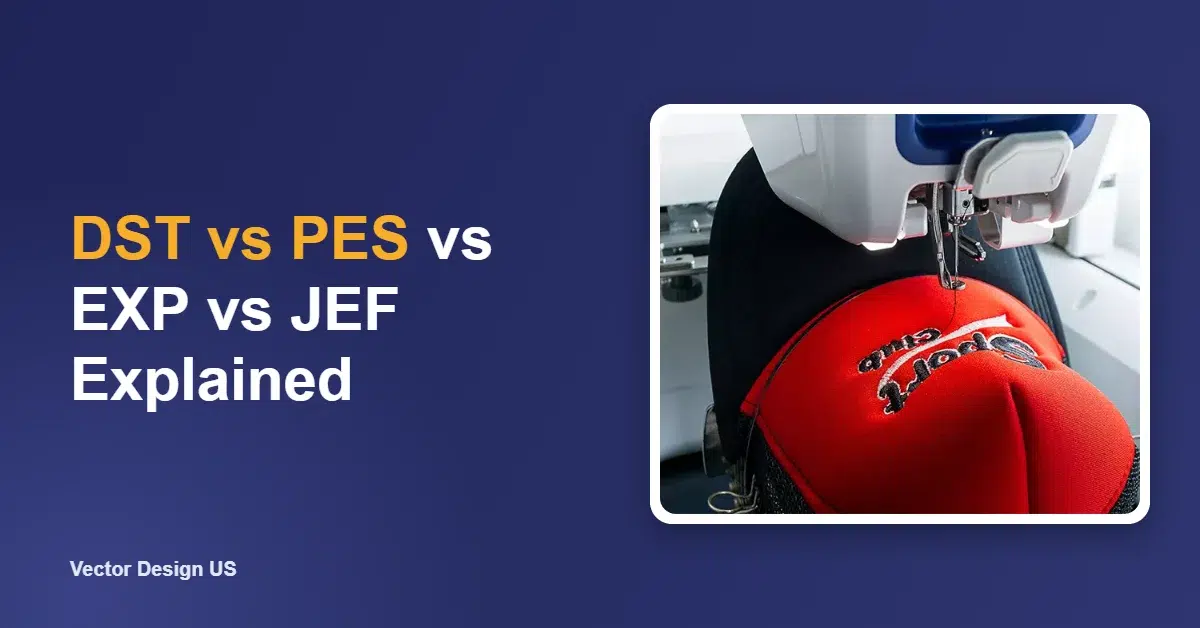
Short answer: DST is the Tajima stitch format used by most commercial multi-needle machines, and it does not store thread colors. PES is the Brother, Baby Lock and Deco format used by most home machines, and it does store colors. EXP is used by Melco and BERNINA machines, and JEF is the default for Janome and Elna. All four are machine files: they hold stitches, not editable shapes. Converting one to another changes the container, not the quality, so a poor stitch file stays poor in every format.
Key takeaways
- Ask for the format your machine reads. If you are not sure, give the brand and model.
- DST carries no thread colors, so the machine shows its own default colors until you set them.
- PES, EXP and JEF are home-machine formats tied to brands. Many machines read more than one format.
- Machine files are “expanded” stitch data. The editable master file is a separate working file, such as EMB.
- Converting formats is not re-digitizing. A file built for one size, fabric or placement keeps that limit in every format.
DST vs PES: the quick answer
If you run a commercial multi-needle machine, you will almost always be asked for DST. If you sew on a Brother or Baby Lock home machine, PES is the native choice. Several Brother models can also read DST, but the colors will not come across, because DST stores none.
The two formats carry the same core thing: a list of needle movements, jumps, trims and color stops. The difference is in what else travels with them. PES files keep thread color information and a preview, which is why they look right the moment you open them on a home machine. A DST file opens with whatever color sequence the machine uses by default, and the operator assigns needles at the machine.
Embroidery machine brands and their file formats
The table matches common machine brands with the formats their software writes and their machines read. We checked it against the software makers’ and machine makers’ own help pages, listed at the end of this article.
| Format | Main machine brands | Stores thread colors? | Typical user | Where we checked |
|---|---|---|---|---|
| DST | Tajima, and most commercial multi-needle machines | No | Shops, contract embroiderers | Wilcom and Hatch help articles |
| PES (and PEC) | Brother, Baby Lock, Deco | Yes | Home and small business | Hatch help article; Brother manual page |
| EXP | Melco, BERNINA | Melco EXP: no. BERNINA USB EXP: in a separate INF file | Commercial (Melco), home (BERNINA) | Hatch and Wilcom help; OESD BERNINA article |
| JEF (and JEF+) | Janome, Elna | Yes | Home and small business | Janome site; Hatch help article |
| VP3, HUS | Husqvarna Viking, Pfaff | Yes | Home and small business | Hatch help article |
| XXX | Singer | Check in your software | Home | Hatch help article |
| EMB | Wilcom and Hatch working file (not a machine file) | Yes, plus editable objects | The digitizer | Wilcom and Hatch help articles |
Two notes from the official pages are worth knowing. A Brother operation manual page lists .pes, .phc, .dst and .pen as embroidery pattern formats for that machine and warns that Tajima data has no thread color information, so the machine shows a default color sequence. And OESD’s BERNINA article explains that a BERNINA USB EXP design travels as three files: the EXP stitch file, an INF file with the thread colors and a BMP preview. Copy all three to the USB stick, or the colors will be lost.
Expanded vs condensed: machine files vs working files
Embroidery files fall into two families, and mixing them up causes most format headaches.
Expanded (machine or stitch) files
DST, PES, EXP, JEF, VP3 and XXX are machine files. Wilcom’s help on supported file formats describes them as files that generally contain stitches and machine functions, suited to specific machines. Each needle drop is stored as a position. There is no record of the shape the stitches were meant to fill, the stitch angle or the underlay settings.
Condensed (outline or design) files
Working files, such as EMB in Wilcom and Hatch, store the design as objects: shapes, stitch types, densities, underlay and pull compensation. The software generates the stitches from those settings. Hatch’s help article on file formats calls EMB the working file and recommends saving every design in it before exporting, because machine formats keep less information.
| Machine file (DST, PES, EXP, JEF) | Working file (EMB and similar) | |
|---|---|---|
| Contains | Stitch positions, jumps, trims, color stops | Shapes, stitch types, density, underlay, compensation, plus stitches |
| Who needs it | The embroidery machine | The digitizer or anyone editing the design |
| Safe to resize? | Only a little | Yes, the software recalculates the stitches |
| Safe to edit text or shapes? | Very limited | Yes |
Wilcom’s article on embroidery formats adds a useful limit: scaling a machine file by more than about 10% lowers stitch quality. If you expect to use a design at several sizes, ask for the working file too, or ask the digitizer to output each size from the master.

Why converting formats is not re-digitizing
Free converters and most embroidery programs can save a DST as a PES or a JEF in seconds. That is fine when the design was well digitized for the size, fabric and placement you need. The converter copies the needle positions into a new container. It does not rethink anything.
Conversion cannot fix:
- A design digitized for the wrong size. A left-chest file stretched to a jacket back will have gaps and loose stitches.
- The wrong fabric settings. A file built for twill caps may pucker on a stretchy polo, because the underlay and compensation are baked in.
- Poor stitch planning. Too many jumps, bad stitch order or fills that are too dense stay exactly the same.
- Missing colors. Converting a DST to PES does not invent the right thread colors. Someone still has to set them.
Converting can also lose information. Moving from a format with colors to DST drops them, and some machine-specific commands may not carry over. When a design needs real changes, it has to be re-digitized or edited in the working file, then exported again. That is what our embroidery digitizing service does: a person builds the design for your size, fabric and placement, then exports the format your machine reads.
Need a stitch file for your machine?
Send your logo with the size, garment and machine brand. We digitize it by hand and deliver DST, PES, EXP or JEF, from $10 per design.
What to ask for when you order a stitch file
Asking for the right files up front saves a second order later.
- Your machine format. Name the format, or the brand and model, and we export the right one.
- A second format if you outsource. If a contract embroiderer may run the job, DST is the safest extra.
- The working file, if you plan to edit. Ask whether the provider supplies it and in which software version.
- A thread color list. Especially for DST, ask for a color sheet with thread brand and numbers.
- A stitch-out preview or sheet. It shows the size, stitch count, color stops and stitch order before you hoop anything.
- One file per size. If you need a 3.5 in left chest and a 10 in back, ask for both sizes to be digitized, not one file scaled.
If you only have a PNG or JPG of your logo, that is fine for ordering digitizing. If you also need print-ready artwork for other products, our embroidery to vector conversion service turns a photo of a stitched patch into a clean vector file.
Which format should you choose?
- Commercial multi-needle machine (Tajima, Barudan, SWF and many others): DST, plus a color sheet.
- Brother, Baby Lock or Deco home machine: PES.
- Janome or Elna: JEF. Some models also read other formats, so check the manual.
- BERNINA: BERNINA USB EXP with its INF and BMP files, or the format your model’s manual lists.
- Melco commercial machines: Melco EXP, or DST if your software accepts it.
- Husqvarna Viking or Pfaff: VP3.
When in doubt, send us the brand and model and we will match the format to it.
Frequently asked questions
Is DST or PES better?
Neither is better in stitch quality, because both store the same stitch data. DST is the common format for commercial machines and drops thread colors. PES is the native format for Brother and Baby Lock home machines and keeps colors. Choose the one your machine reads.
Can a Brother machine use DST files?
Several Brother models list DST among the formats they read. The design will stitch, but without thread colors, so you set the colors on the machine.
Can I convert a JPG or PNG directly to DST or PES?
Not with a simple file converter. An image has to be digitized first, which means planning stitch types, angles, underlay and order. Auto-digitizing software can try, but small text and fine lines usually need a person.
Will converting PES to DST lower the quality?
The stitches stay the same, but colors and some machine commands can be lost. Quality drops when a converted file is also resized or used on a different fabric than it was built for.
What is an EMB file?
EMB is the working file used by Wilcom and Hatch software. It keeps the editable objects and settings, so it is the best file for future edits, but embroidery machines do not run it directly.
Do you deliver more than one format?
Yes. Tell us which formats you need and we export them from the same digitized design.
Get a stitch file built for your machine
Upload your logo, tell us the size, garment and machine, and we email an exact quote before we start. Embroidery digitizing from $10 per design.
Sources
- Hatch Embroidery, What file formats does Hatch Embroidery read and write?: https://help.hatchembroidery.com/portal/en/kb/articles/what-file-formats-does-hatch-embroidery-v2-v3-read-and-write (checked October 18, 2026)
- Wilcom, Supported file formats: https://help.wilcom.com/portal/en/kb/articles/supported-file-formats (checked October 18, 2026)
- Wilcom, About embroidery formats: https://help.wilcom.com/portal/en/kb/articles/about-embroidery-formats (checked October 18, 2026)
- Janome, Janome Embroidery Formats: https://www.janome.com/create-learn/janome-embroidery-formats/ (checked October 18, 2026)
- Brother, operation manual page on embroidery data formats: https://support.brother.com/g/s/hf/htmldoc/hsm/om/888p5x/en/10_01.html (checked October 18, 2026)
- OESD, How do I use EXP format with my BERNINA machine?: https://support.oesd.com/article/64-how-do-i-use-exp-format-with-my-bernina-machine (checked October 18, 2026)
Drafted with AI assistance; facts and prices checked against the sources listed above on October 18, 2026.