How To
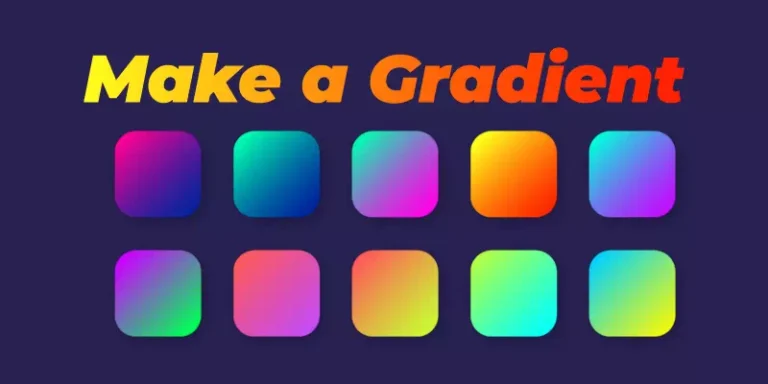
How to Make a Gradient in Photoshop
Creating and using gradient increases visual interest and moves the audience to serve purposes. Gradient background…
Updated · 3 min read

Topic guide
Creating and using gradient increases visual interest and moves the audience to serve purposes. Gradient background…
Updated · 3 min read
Blur image is not always frustrating. You might find delight in disorder often. In photo editing…
Updated · 3 min read
Color blending, color mixing, or gradient effect is a part of Photoshop’s color correction service. Learning…
Updated · 4 min read
Short answer: changing an image’s format (for example PNG to JPG, or JPG to WebP) is…
Updated · 9 min read
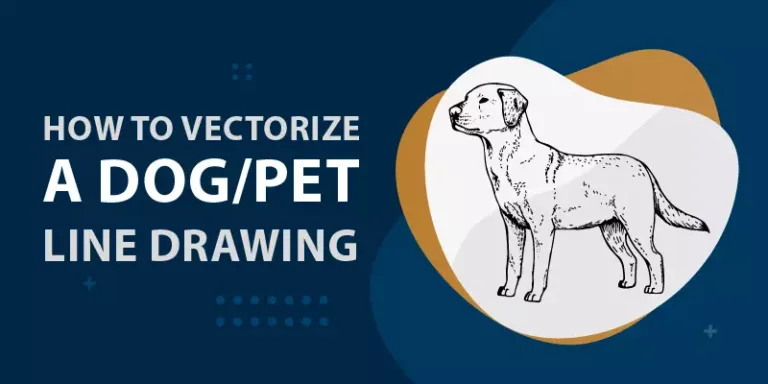
Short answer: to turn a dog or pet photo into vector line art, pick a sharp,…
Updated · 3 min read
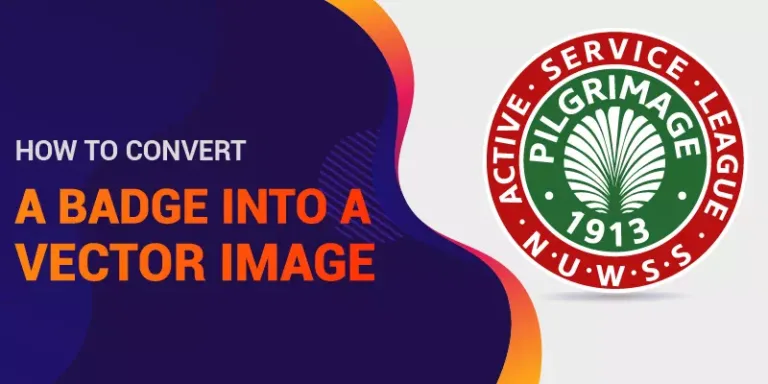
Short answer: to vectorize a badge, place the image in Illustrator on a locked, faded layer,…
Updated · 3 min read
We know how significant a banner and logo are for a business. Both are highly responsible…
Updated · 10 min read
Short answer: to vectorize hand lettering, scan it at 300 to 600 dpi, place it in…
Updated · 3 min read
A badge is the most popular usage of a logo. Organizations, as well as institutions, often…
Updated · 2 min read
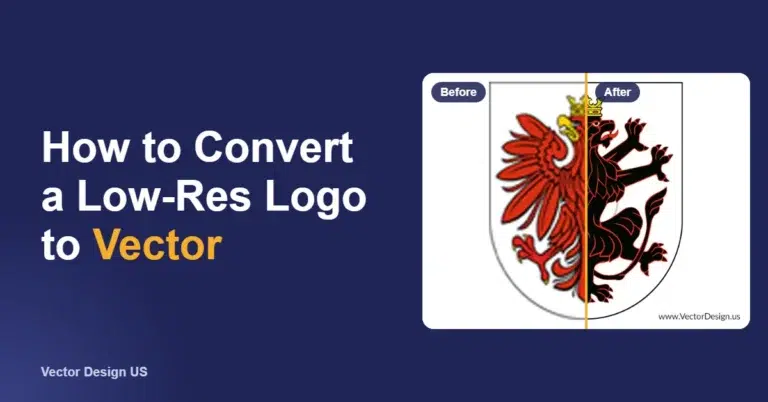
Short answer: to convert a low-resolution logo to vector, place it in Adobe Illustrator and try…
Updated · 9 min read
We use cookies to measure our ads and improve the site. Choose what you allow. Privacy Policy
Global Privacy Control detected: advertising cookies stay off.
You can opt out of personalized advertising (the "sale" or "sharing" of personal data for ads under US state privacy laws). We will still measure our own site. Privacy Policy