How To
How to Convert Low to High Resolution in Photoshop (Easy Steps)
Short answer: in Photoshop, choose Image > Image Size, tick Resample, set the new size, and…
Updated · 4 min read

Topic guide
Short answer: in Photoshop, choose Image > Image Size, tick Resample, set the new size, and…
Updated · 4 min read
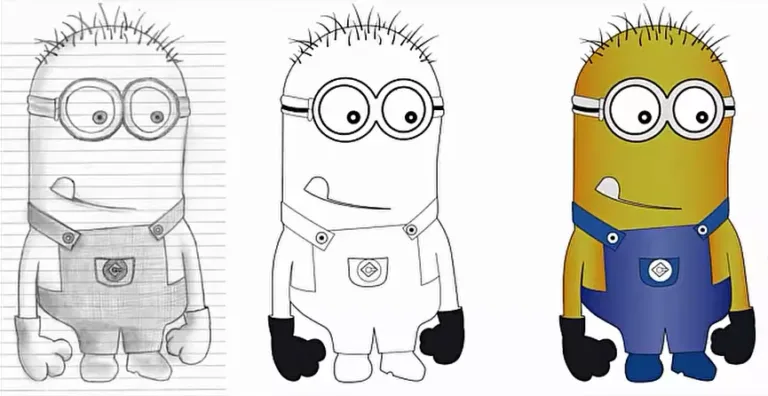
Short answer: to convert a hand drawing to vector, scan it at 300 to 600 dpi…
Updated · 6 min read
Short answer: to convert a raster image to vector, either auto-trace it (Illustrator Image Trace, Inkscape…
Updated · 10 min read
We use cookies to measure our ads and improve the site. Choose what you allow. Privacy Policy
Global Privacy Control detected: advertising cookies stay off.
You can opt out of personalized advertising (the "sale" or "sharing" of personal data for ads under US state privacy laws). We will still measure our own site. Privacy Policy